DIY & Maintenance · 5 min read · 9 March 2026
Mesh Wi-Fi: How to Fix Dead Zones in Any UK Home
Solid brick walls, foil insulation and a router stuck in the hallway: British houses are hostile to Wi-Fi. Here's how mesh fixes dead zones for under £100 — and when a £25 extender is honestly enough.
By the Nims Casa editorial team — written from professional cleaning experience and checked against our editorial standards.
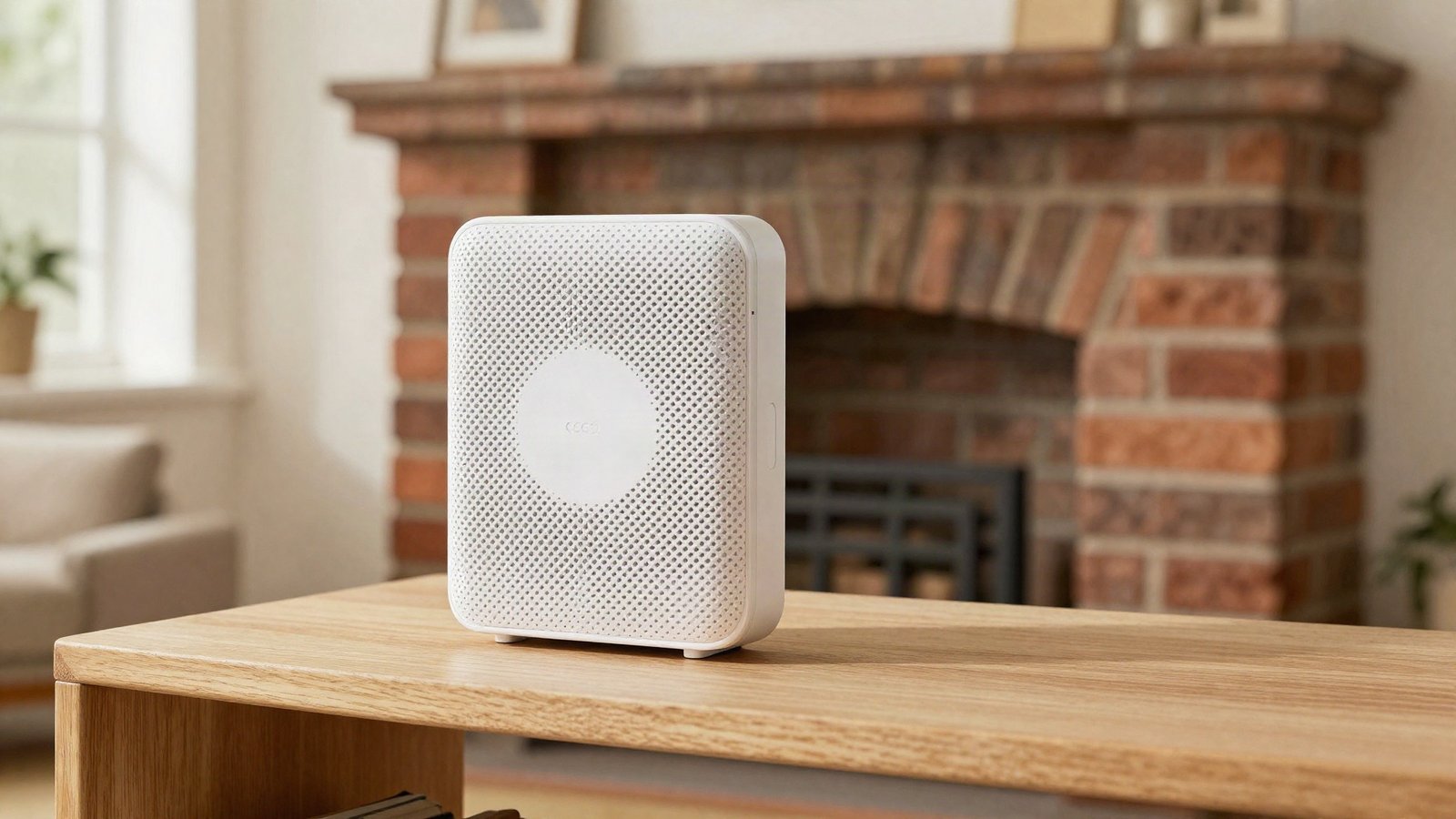
Every week we work in houses where the living room streams 4K without a stutter while the back bedroom can't load an email. Nothing has broken — the house is simply bigger, older or more solid than a single router can cope with. Mesh Wi-Fi fixes that, and it has become cheap enough that there's rarely a reason to live with dead zones any longer.
This guide covers why UK homes are especially hard on Wi-Fi, whether you actually need mesh or just a £25 extender, exactly where the nodes should go, and what it all costs in 2026.
Why British houses kill Wi-Fi signal
The UK housing stock is uniquely hostile to wireless. Victorian and Edwardian houses have solid brick internal walls — 225mm of masonry that swallows a 5GHz signal in one hit. Anything built or extended since the 1990s probably has foil-backed plasterboard or foil-faced insulation boards, which reflect signal like a mirror. If you've had an extension insulated as part of a draught-proofing and energy upgrade, that lovely warm room is very likely also your worst Wi-Fi spot — the two go together.
Then there's the standard British layout problem. Openreach fits the master socket wherever the cable enters the property — usually the hallway or front room — so the router lands in one corner of the house, frequently shoved inside a TV cabinet, and is then expected to cover three floors diagonally. Water blocks signal too: a full hot-water cylinder, a fridge-freezer or a large fish tank casts a Wi-Fi shadow over everything behind it.
Wi-Fi extender vs mesh: the honest difference
A plug-in extender (£20–£35) rebroadcasts your existing signal, and it works — with three catches. It usually halves the bandwidth on the extended link, it often creates a second network name you have to switch to manually, and it can only repeat the signal it receives. Extend a weak signal and you get a strong broadcast of rubbish.
Mesh replaces your router's Wi-Fi entirely with two or three coordinated nodes sharing one network name, handing your phone between them automatically as you move through the house. Fringe devices — video doorbells, smart plugs, the robot vacuums that forever drop off their apps in far rooms — hold a steady connection instead.
Our rule of thumb from the houses we visit: one dead room next to a well-covered one, an extender is fine. Two or more dead rooms, a different floor, or any home over roughly 140m² — go straight to mesh and skip the intermediate disappointment. When you reach the choosing stage, the reviewers at our sister site Zen Tech Hub compare the current Wi-Fi 6 and Wi-Fi 7 mesh systems, including the three-year subscription costs the boxes never mention.
Find your dead zones before you spend anything
Do a 15-minute walk test first. It confirms what you're fixing and tells you where the nodes should eventually sit.
- •Run a speed test (Ookla's Speedtest app is free) standing next to the router. Note the result — that's your baseline.
- •Repeat in every room where you actually use the internet, holding the phone where you normally sit, not by the door.
- •Anywhere below about 20Mbps, or under a quarter of your baseline, is a dead zone. Note what sits between it and the router — solid wall, chimney breast, boiler cupboard.
- •Check the router itself. If it's inside a cabinet, behind the telly or on the floor, move it to open shelf height and retest before buying anything. This alone cures about a third of the 'dead zone' complaints we hear on jobs.
What mesh costs in the UK
For a typical three-bed semi, a two-pack covers everything. A three-storey townhouse or a four-bed detached wants three nodes. Current pricing looks like this:
- •Budget: TP-Link Deco or Tenda Wi-Fi 6 twin packs, £70–£100 from Argos, Currys or Amazon. Plenty for full-fibre lines up to around 500Mbps, which is most households.
- •Mid-range: Amazon eero 6+ or Google Nest Wifi, £120–£180 for two nodes. Slicker apps, painless guest networks, better parental controls.
- •High end: Netgear Orbi and the new Wi-Fi 7 systems, £300–£800. Only worth it on gigabit full-fibre or in genuinely large houses.
- •Before buying anything, ask your provider: BT's Whole Home discs, Sky Wi-Fi Max boosters and Virgin's Wi-Fi Pods are mesh in all but name, and providers often supply them free — or for about £8 a month — if you complain persistently about coverage.
Where to put the nodes
Placement matters more than the badge on the box. A £75 system placed well beats a £400 system placed badly, every time.
- •The halfway rule: each satellite sits roughly halfway between router and dead zone — never in the dead zone itself, where it receives nothing worth passing on.
- •Open and high: shelf height, out in the room. Every node buried in a cupboard is money wasted.
- •Line of sight beats distance: a node 8m away through open doorways outperforms one 4m away through a solid brick wall.
- •Use the stairs: a node on a landing often covers both floors at once — stairwells are the one signal-friendly void in a British house.
- •Renters are fine: nodes are mains-powered and shelf-standing, so nothing gets drilled. The same no-damage tricks from our rental-friendly decor guide work for hiding the cables.
- •Outbuildings: don't ask mesh to punch through two external walls. If you're kitting out a garden office or shed, a point-to-point outdoor wireless kit (£60–£90) does that job properly.
Three settings that make or break it
First, wired backhaul: if the house has Ethernet sockets, or you can run one discreet cable, plug the satellites in. That frees the entire wireless capacity for your devices and is the single biggest performance upgrade available — bigger than buying dearer kit.
Second, silence the old router. Put a Virgin Hub into modem mode, or switch off the Wi-Fi on other providers' routers, so it doesn't fight the mesh on the same channels.
Third, keep one network name for everything. Splitting 2.4GHz and 5GHz into separate names breaks smart-home pairing — the smart bulbs in a layered lighting setup are almost all 2.4GHz-only and pair far more reliably when the mesh handles band steering itself.
When mesh won't fix it
Mesh cannot conjure bandwidth your line doesn't have. On a 35Mbps FTTC connection, three nodes will distribute 35Mbps beautifully through the house — and it will still crawl with two teenagers streaming. Check whether full-fibre has reached your street before spending £150 on hardware; the line upgrade often matters more.
Equally, if the speed test right next to the router is already poor, the fault is the line or the provider, not your coverage — that's a phone call, not a shopping trip. And one maintenance note from people who dust for a living: routers and nodes run warm, their vents clog, and a clogged node throttles on hot days. A monthly wipe with a dry cloth costs nothing and keeps the whole system honest.
Found this useful?
There's plenty more — hundreds of guides and honestly-tested product reviews for every corner of your home.
Browse All Guides